Goldanniyatech
Asset Breakdown:
Lights
Click on any thumbnail to see the detailed asset
Click on any thumbnail to see the detailed asset
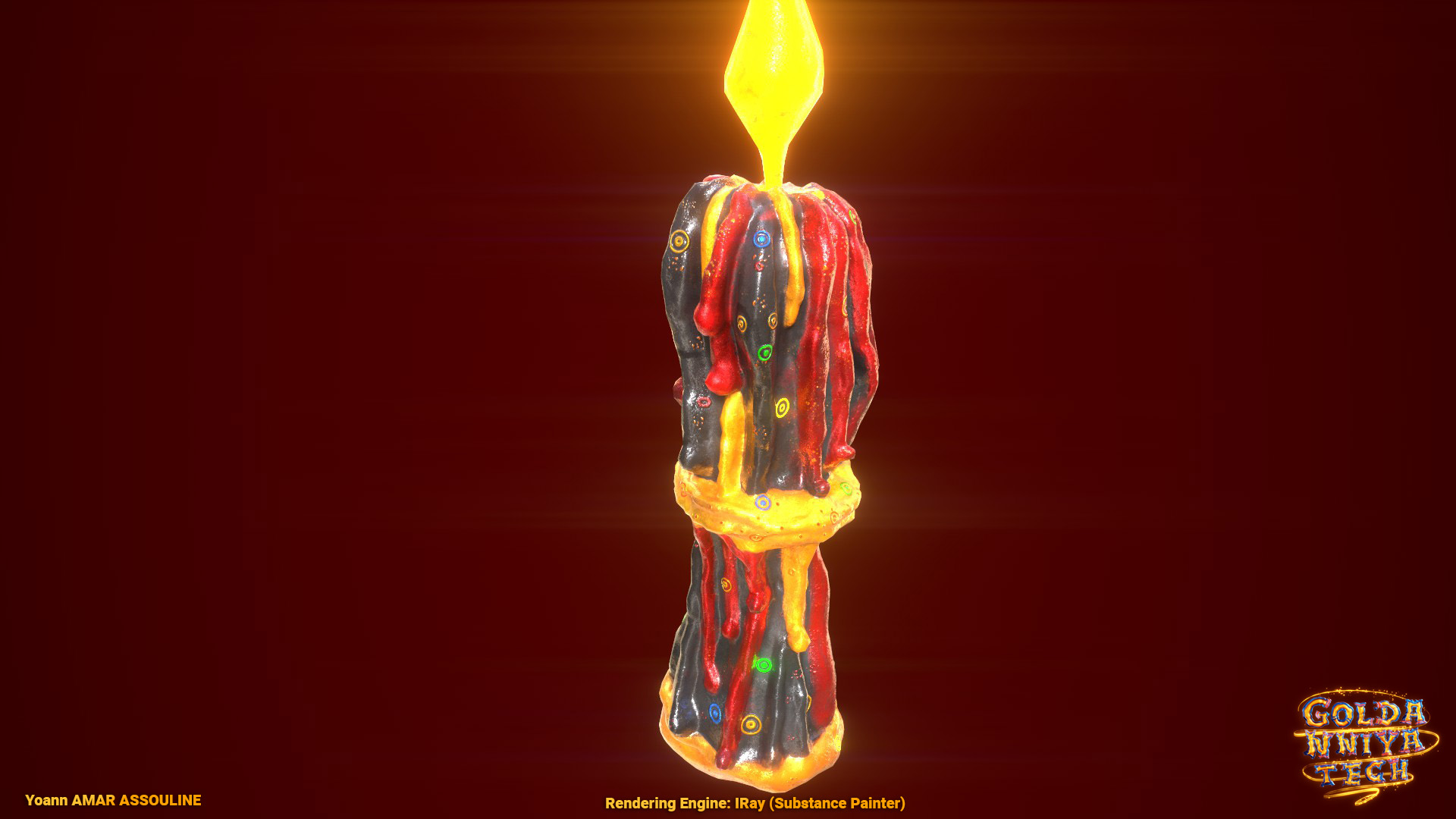
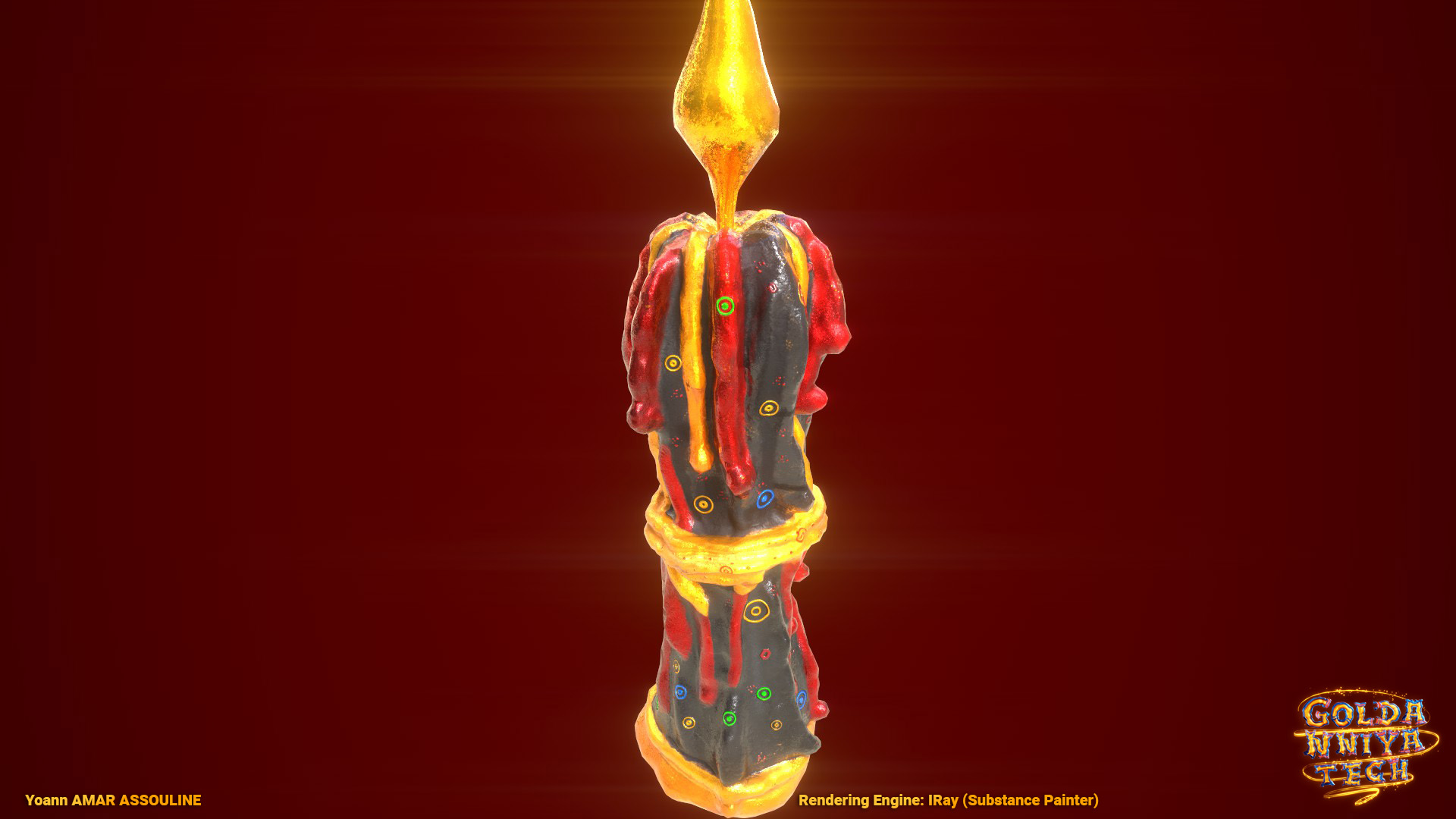
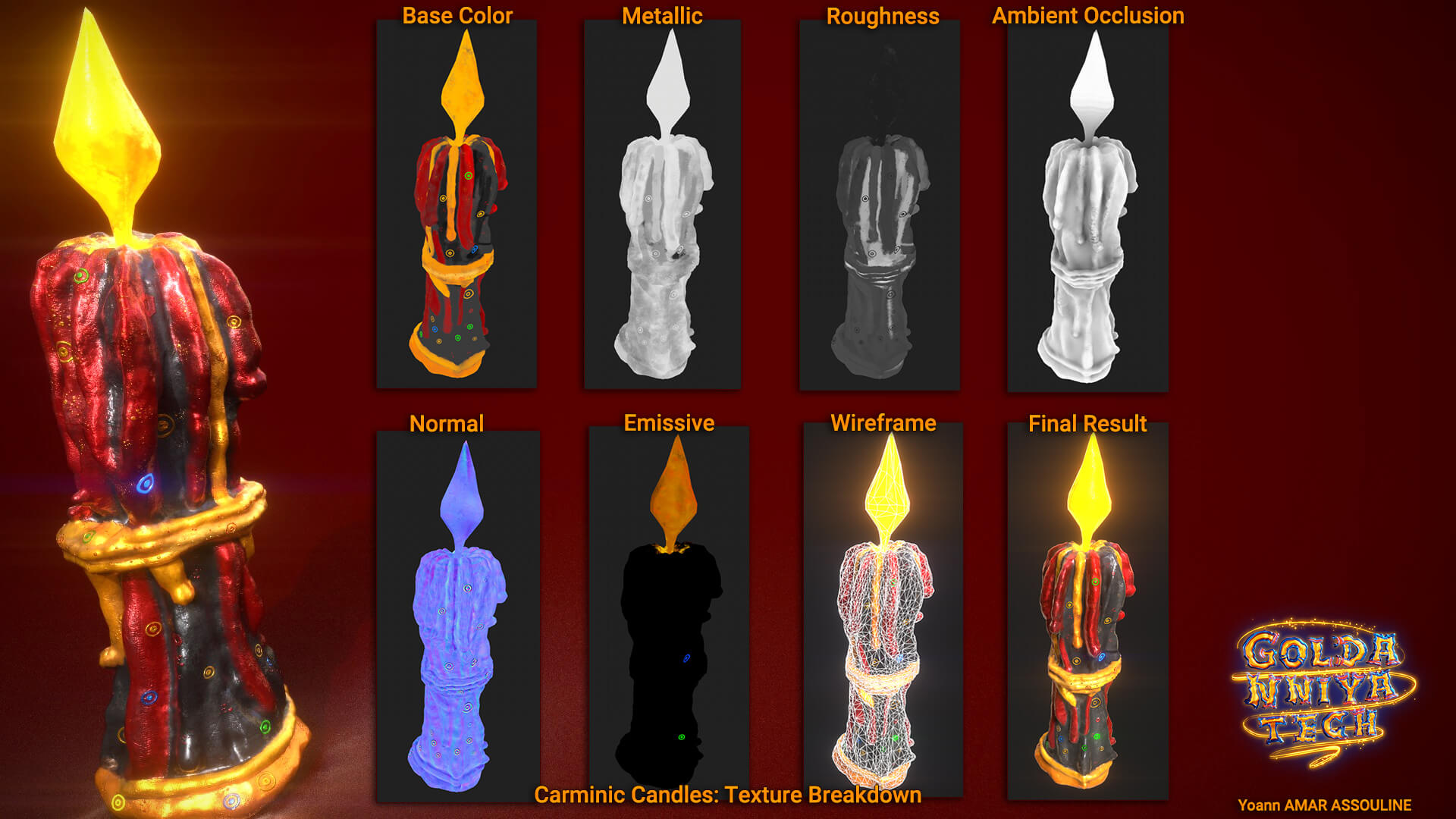
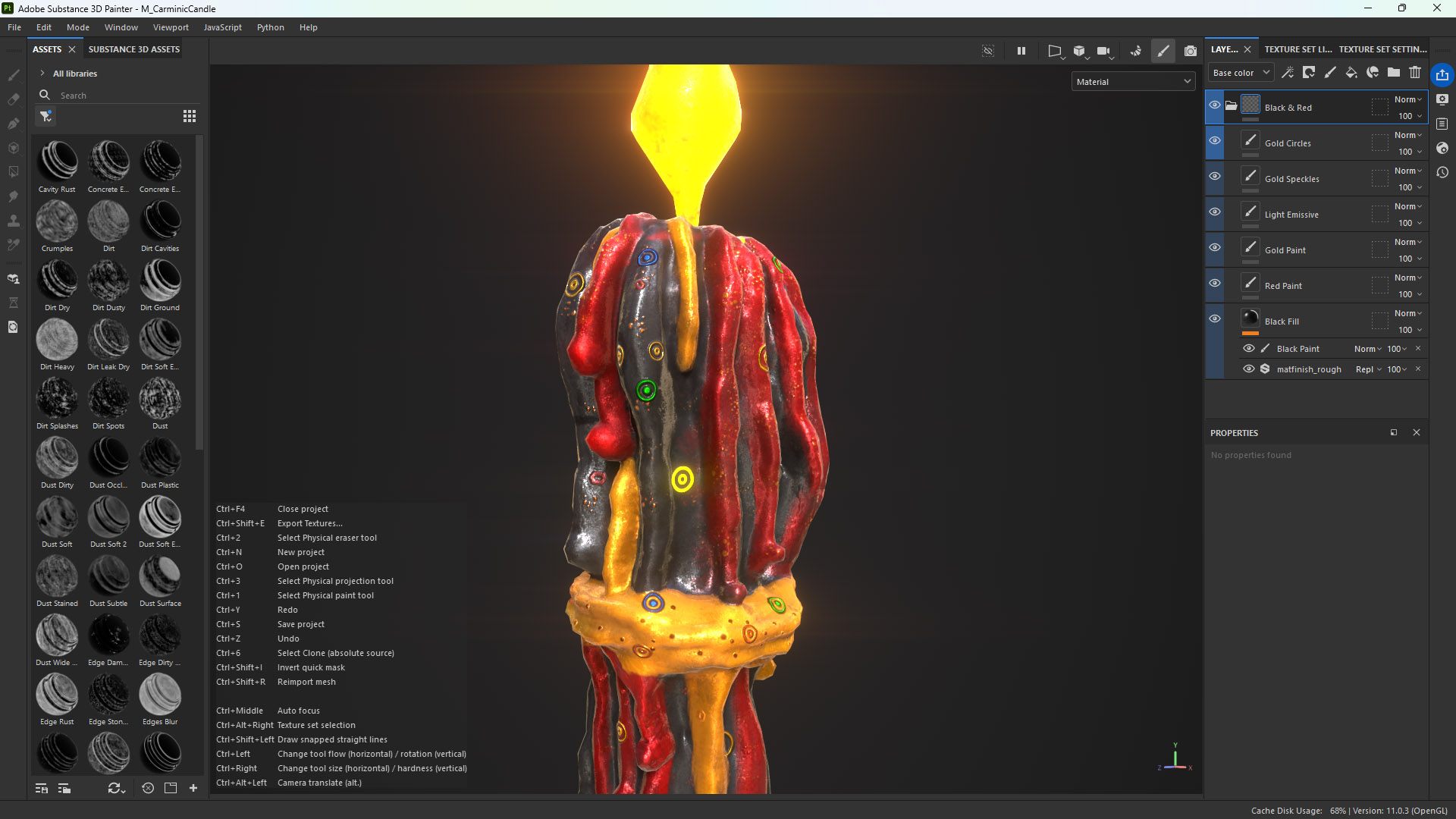
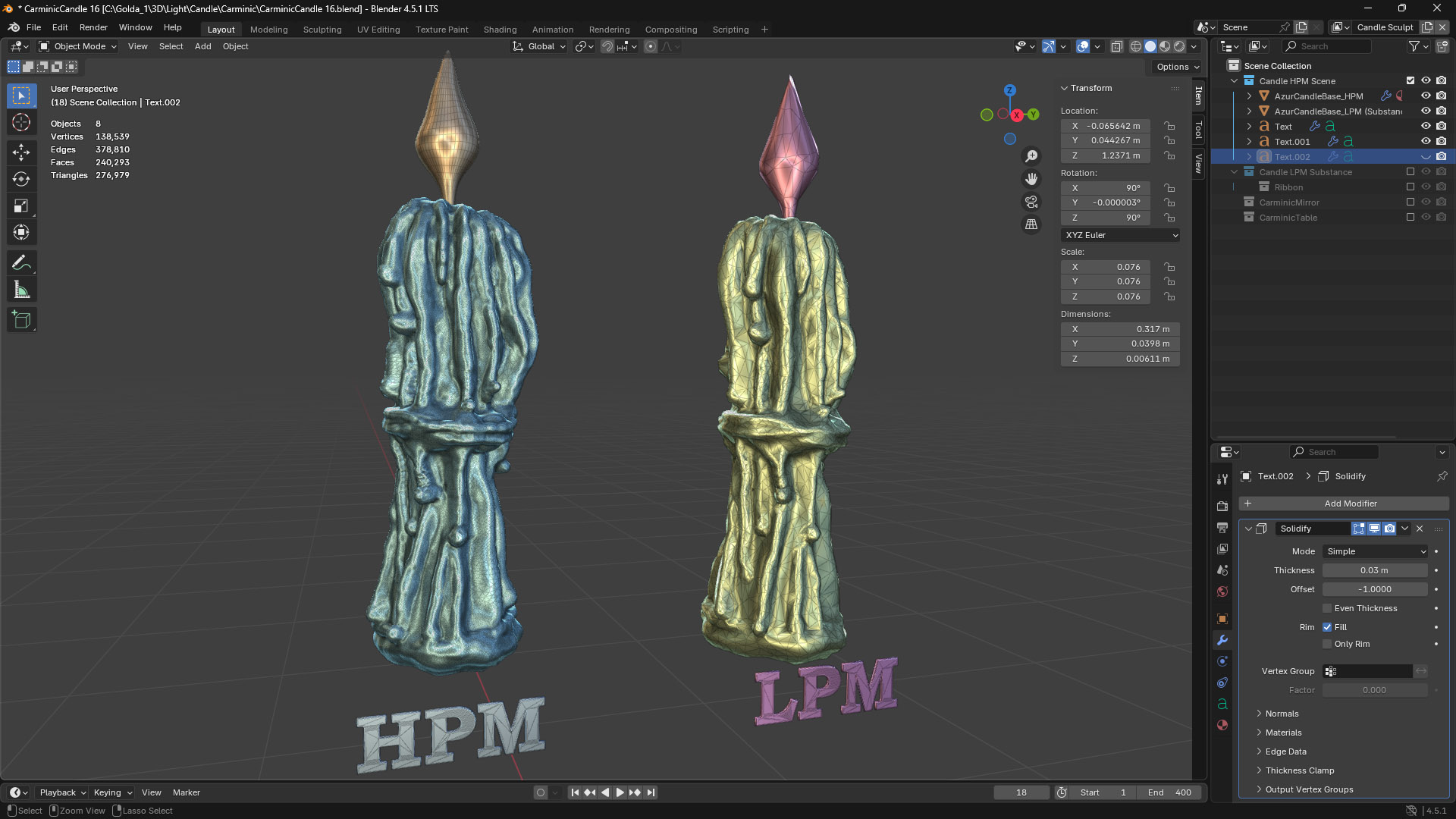
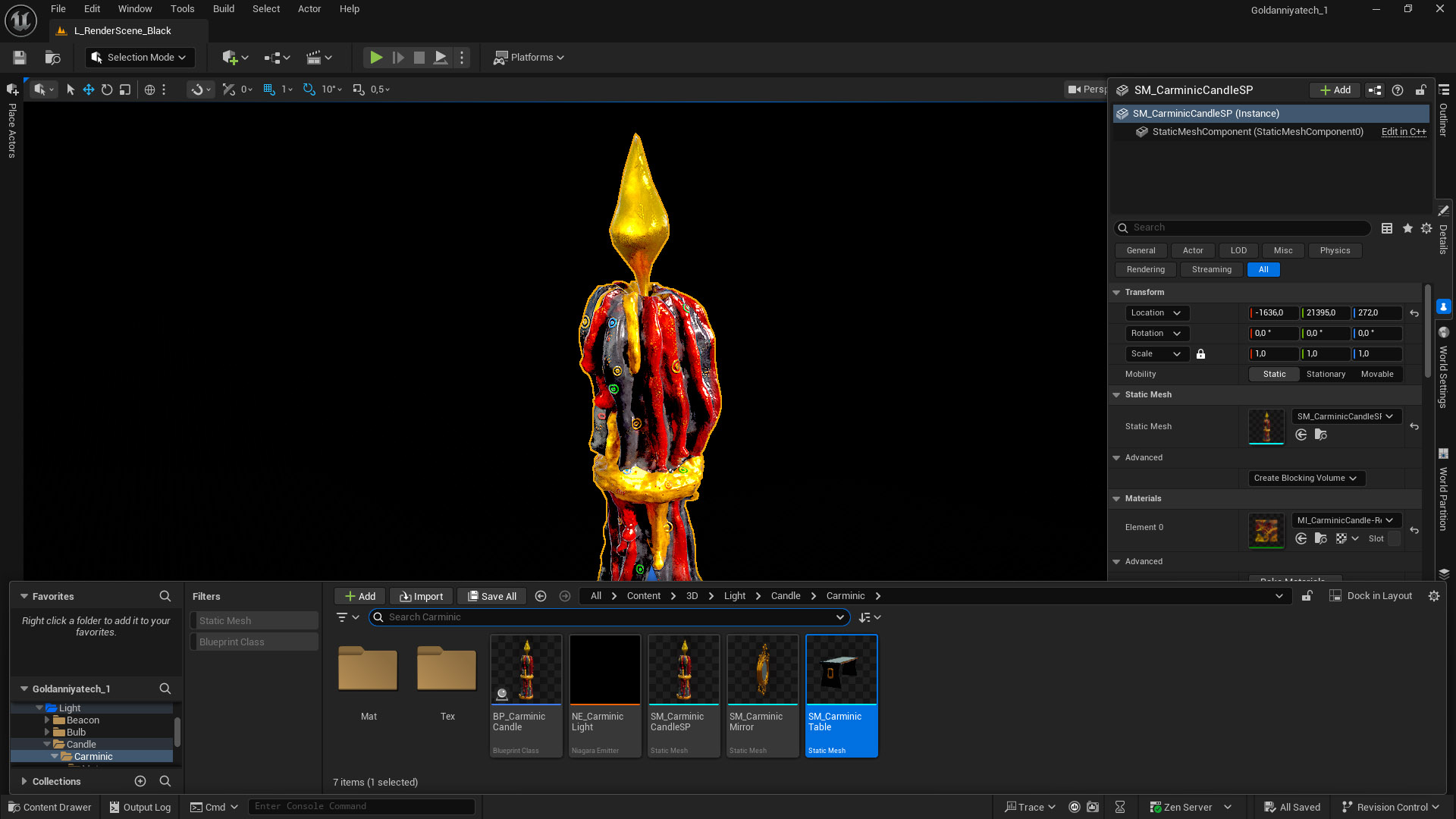
I’ve made the Carminic Candle from scratch in . I sculpted the high-poly model (HPM) in Blender, then used the Decimate modifier in Blender to create the low-poly version (LPM), and textured it in Substance Painter.
I also used this model to experiment with Substance Painter’s Auto-Unwrap feature 😅. While it worked well, I eventually became extremely fast at unwrapping in Blender, so I decided to rely only on Blender for UV unwrapping moving forward!
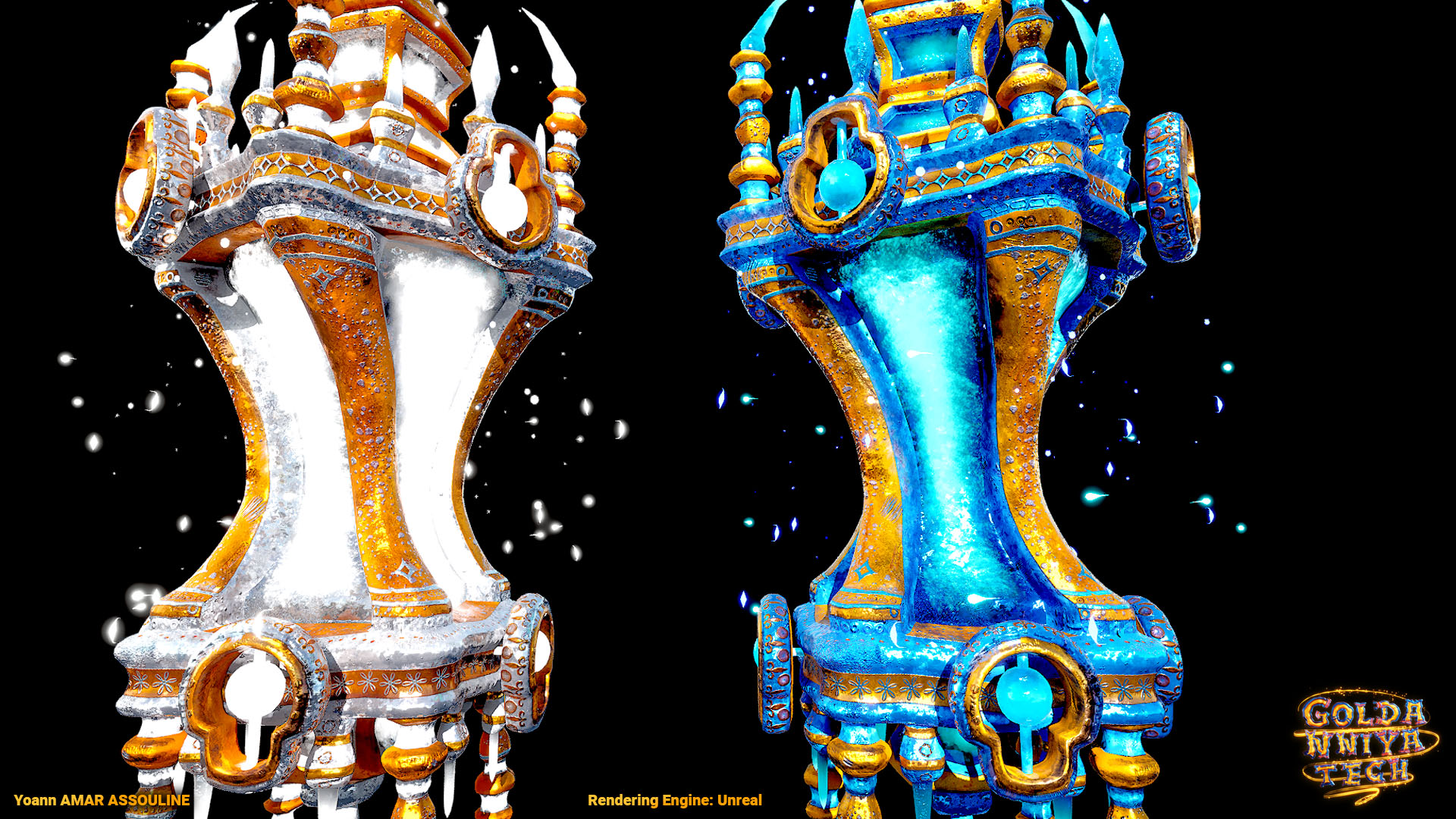
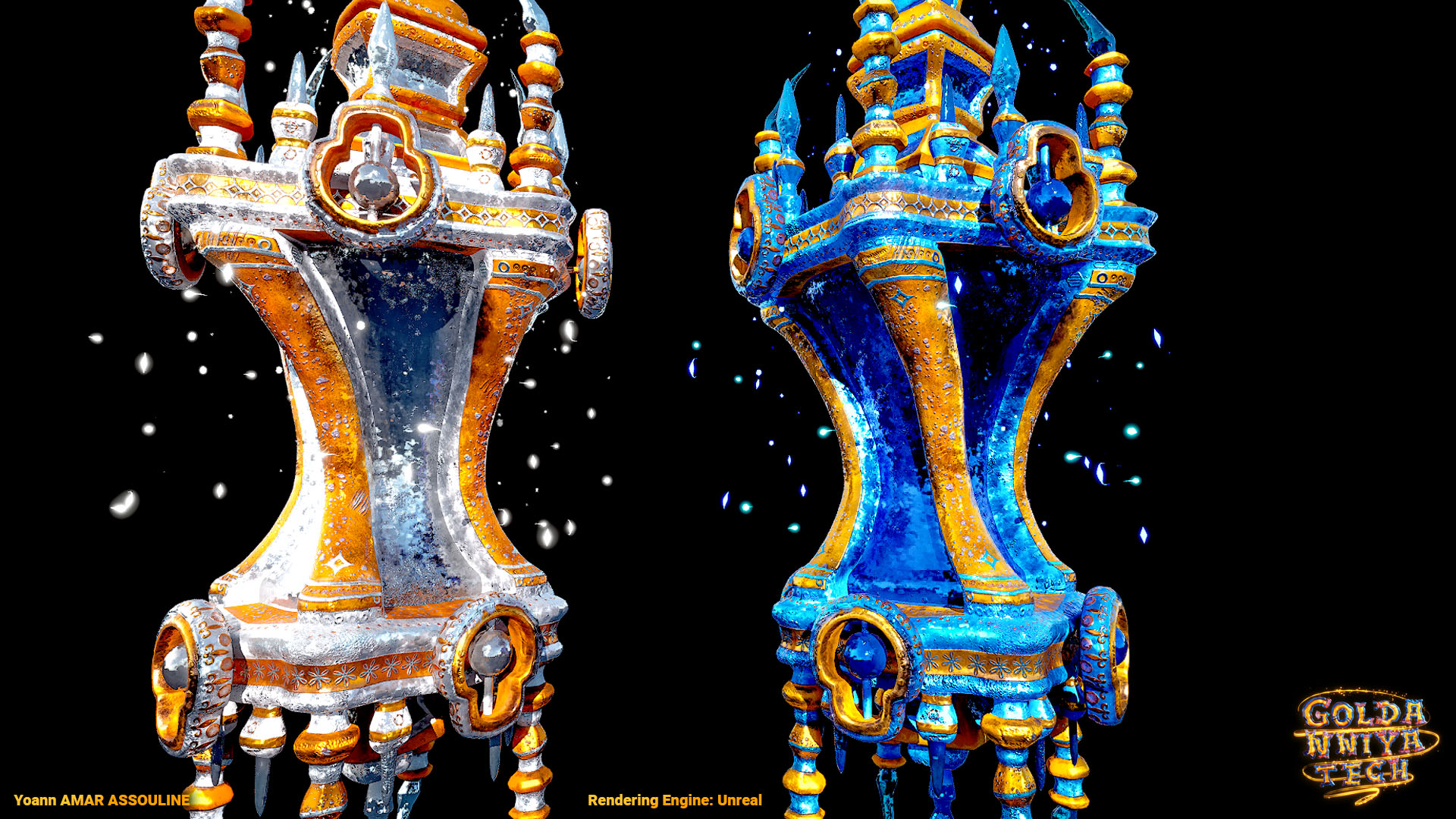
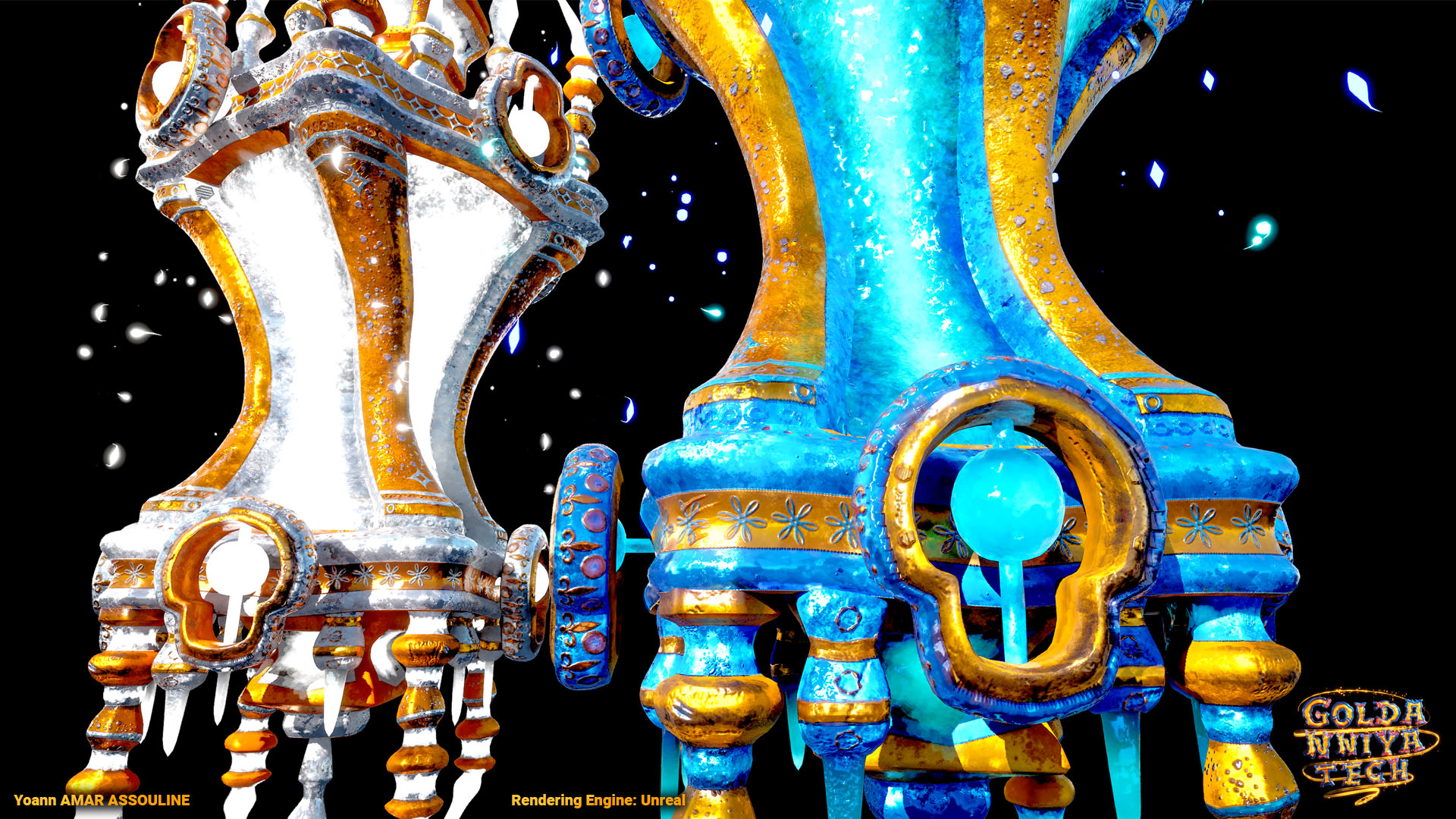
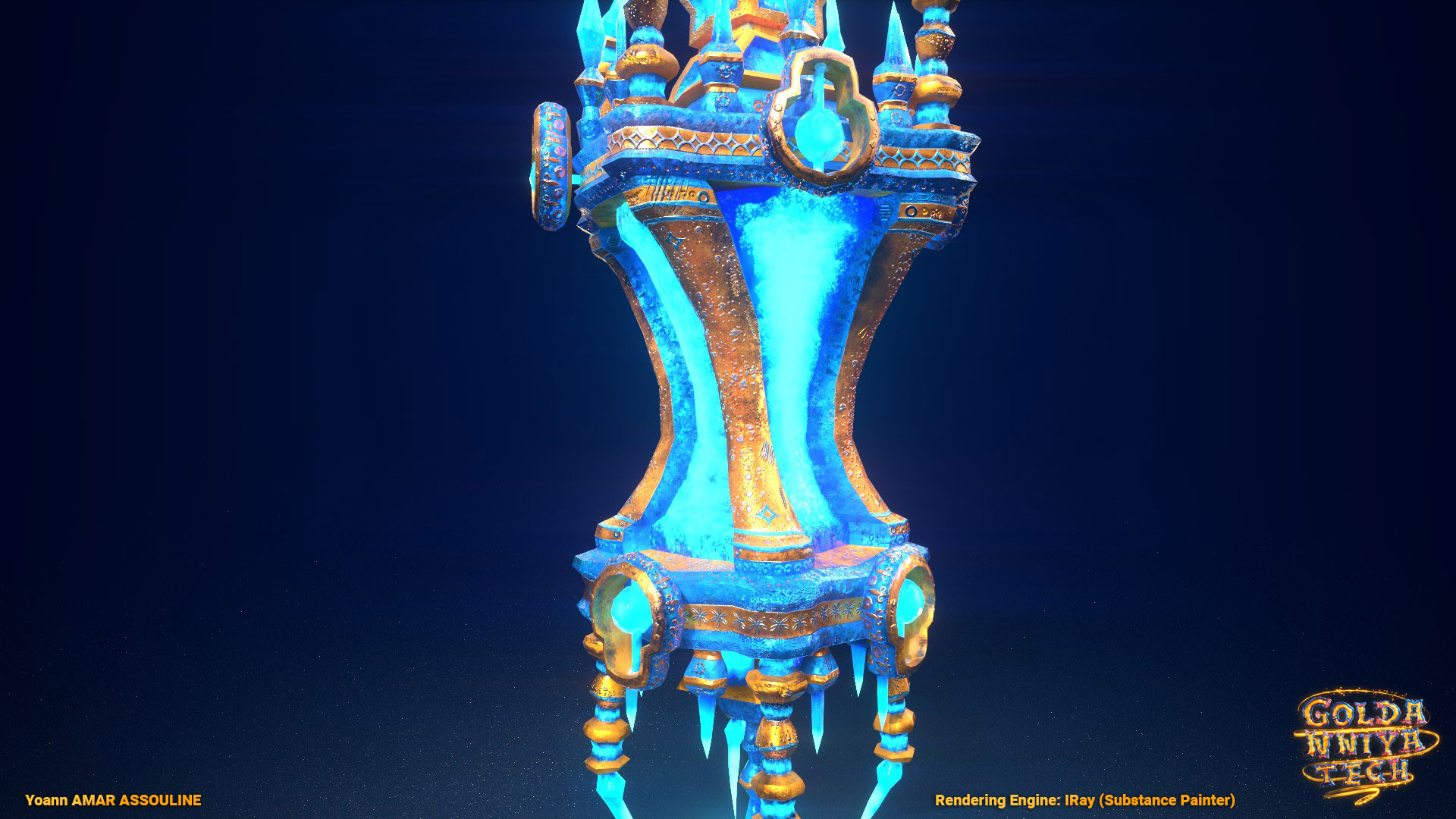
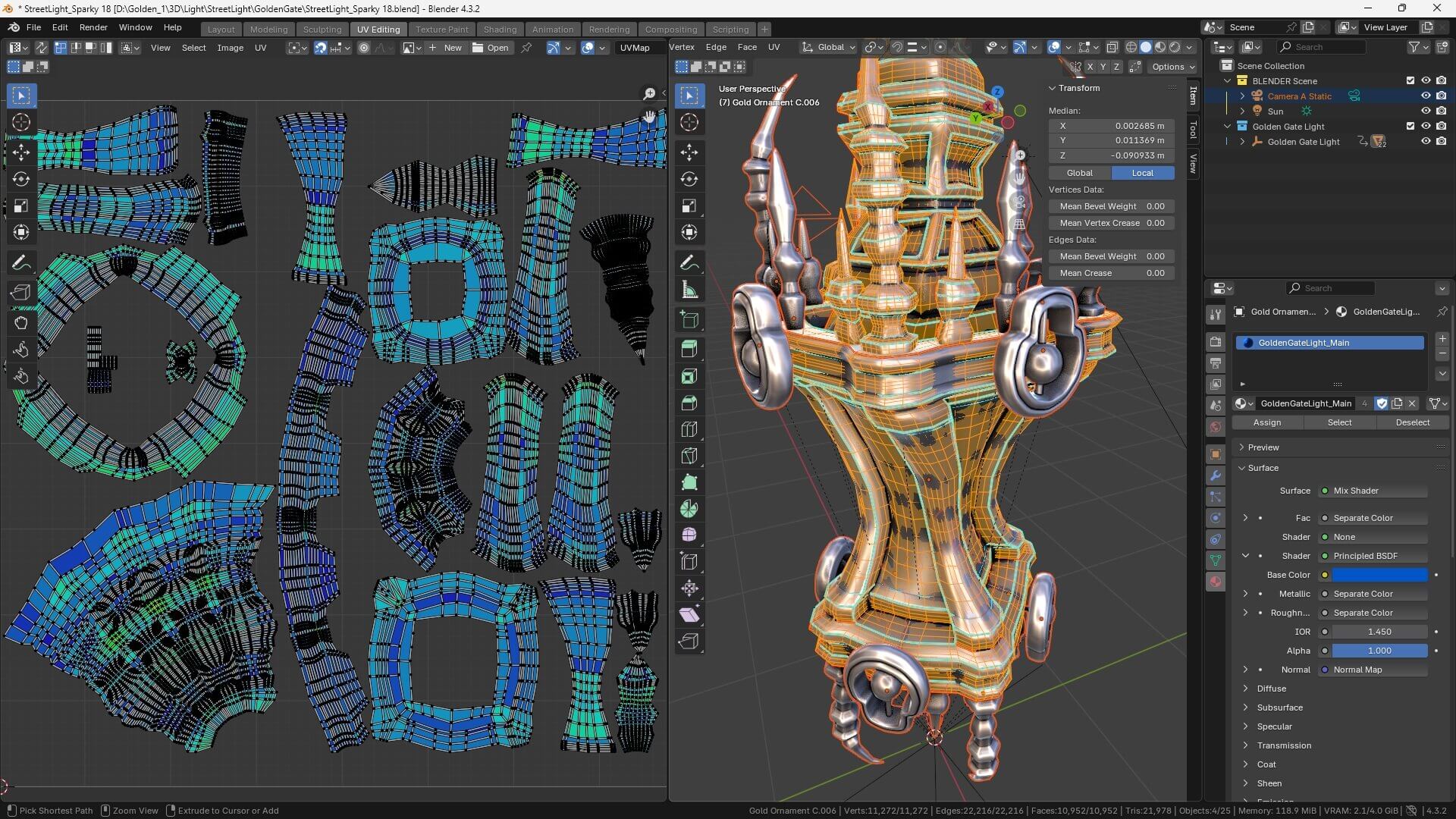
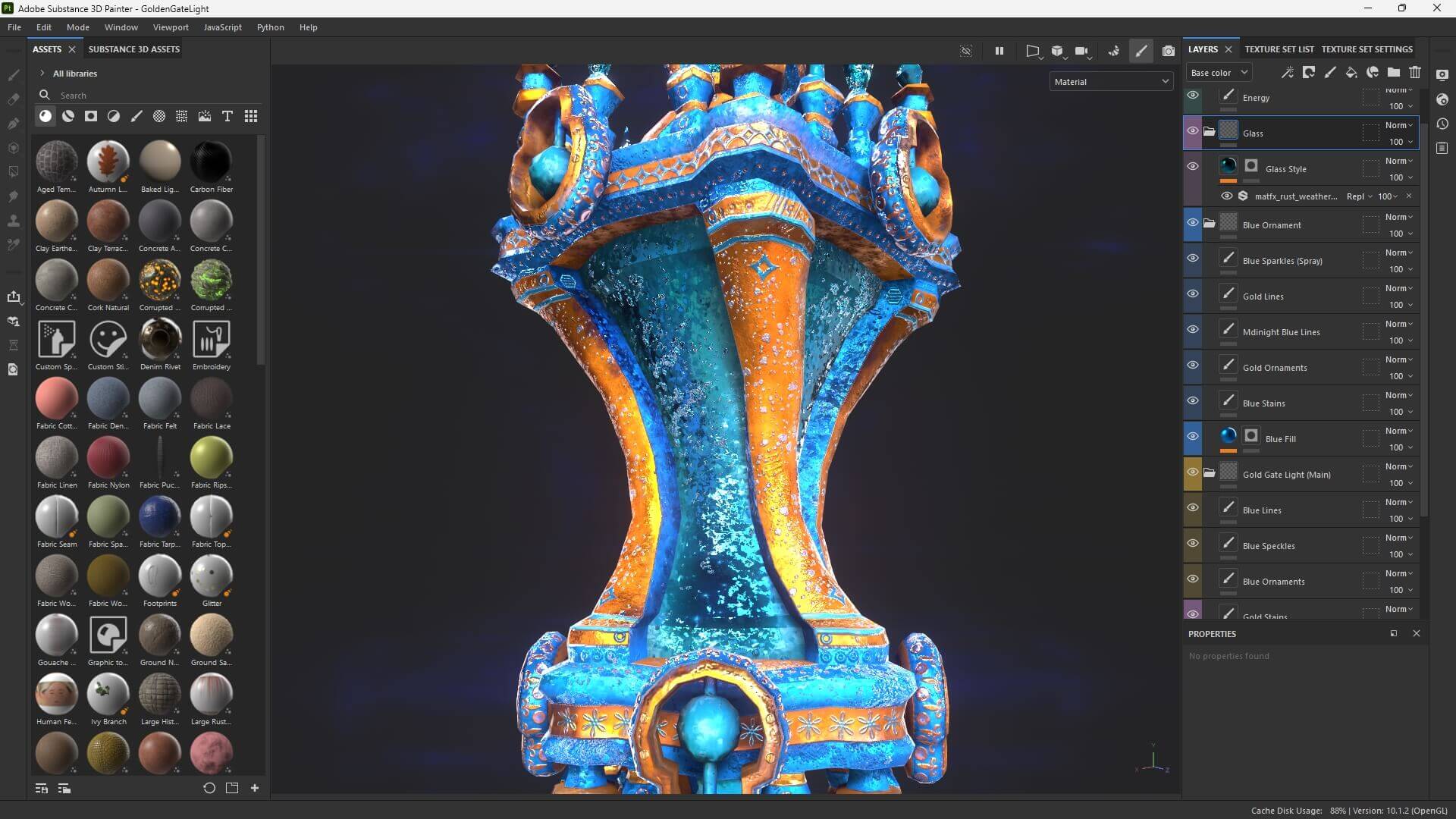
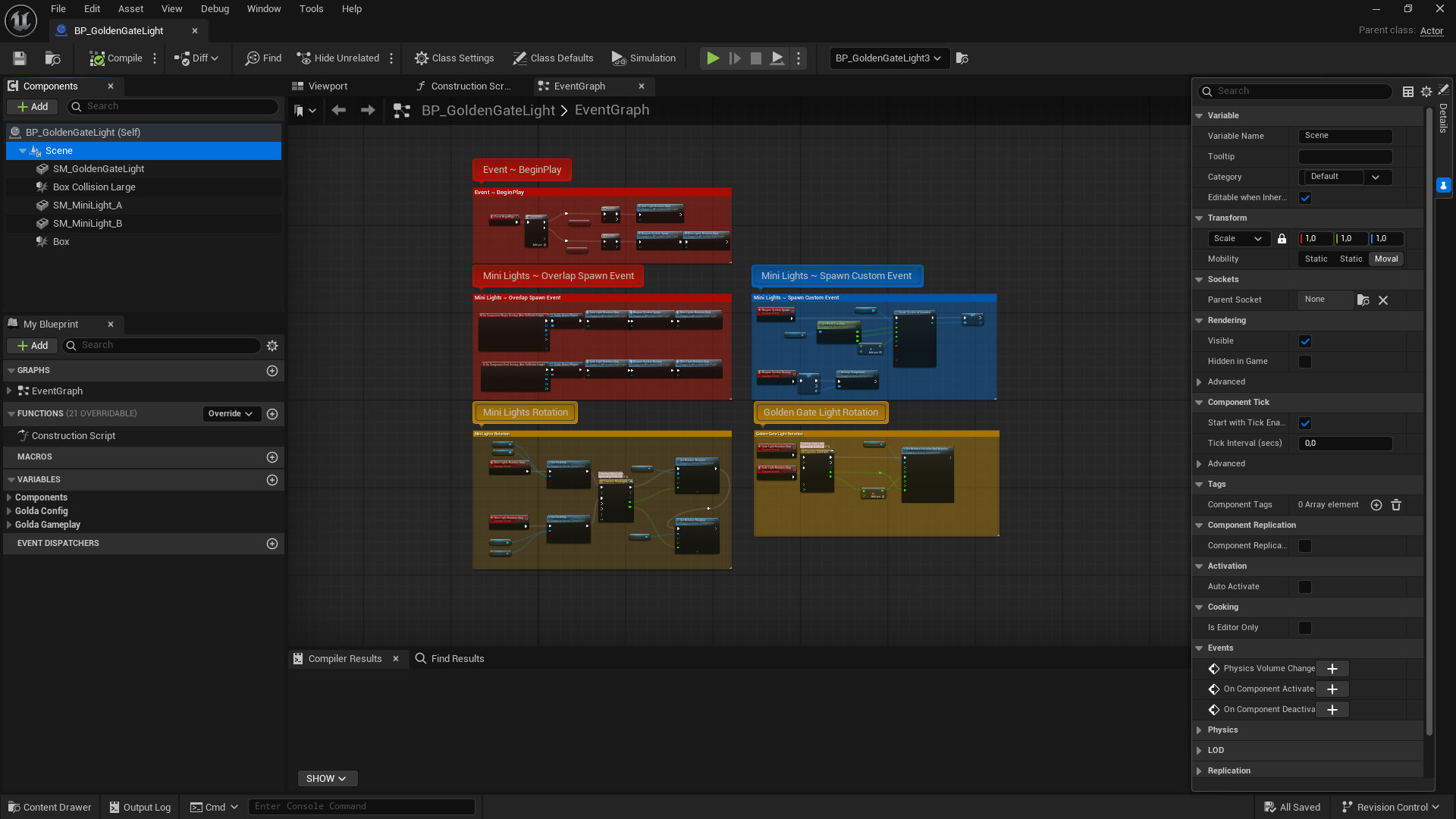
The Gate Light asset was created from scratch in , using Blender for modeling and Substance Painter for texturing. Half of the particle effects are 3D meshes made in Blender, while the other half are pure Niagara sprite-based particles.
I spent a lot of time detailing the texture for this specific light 😅. It was definitely time-consuming, but also a lot of fun 😁.
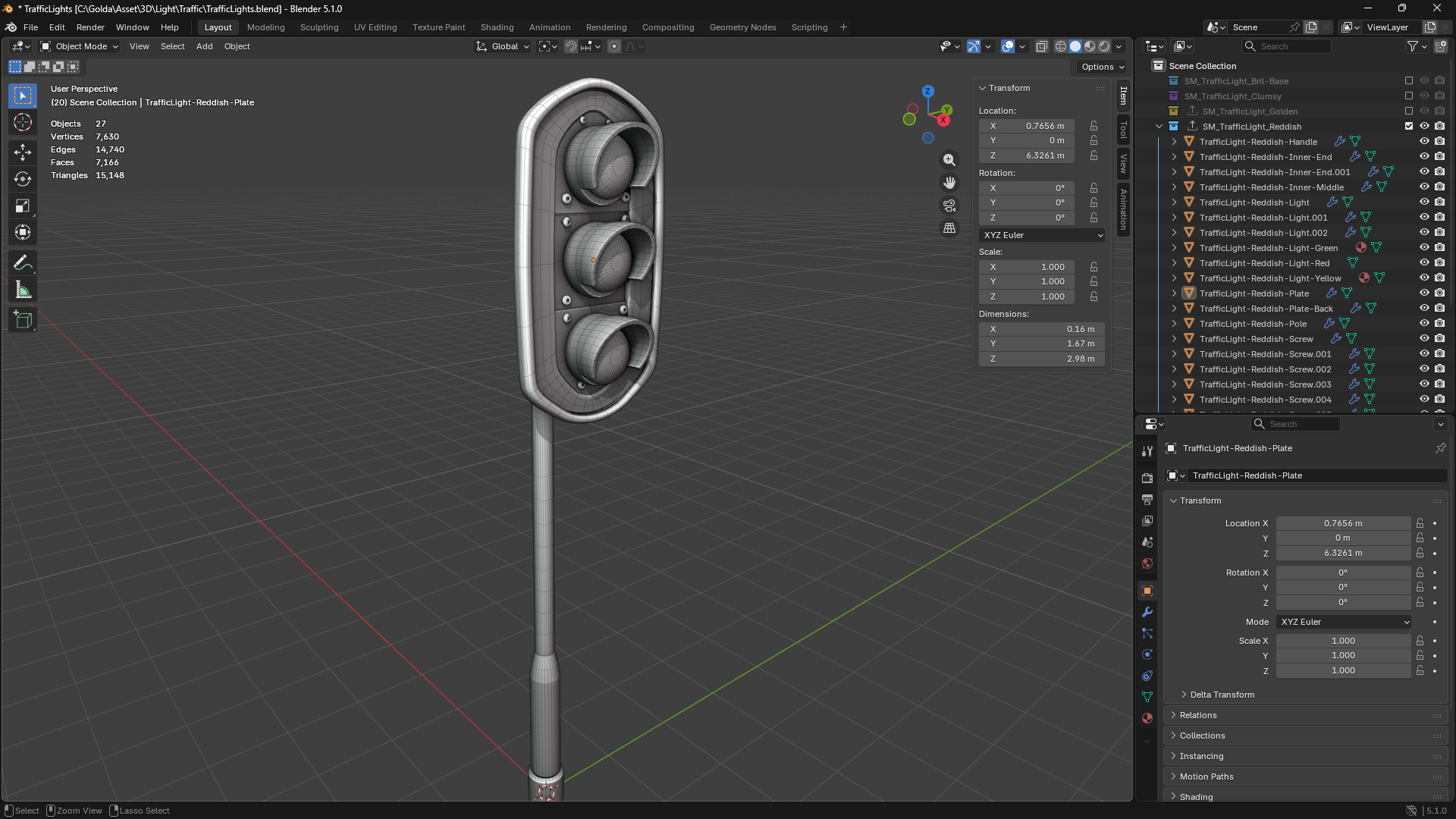
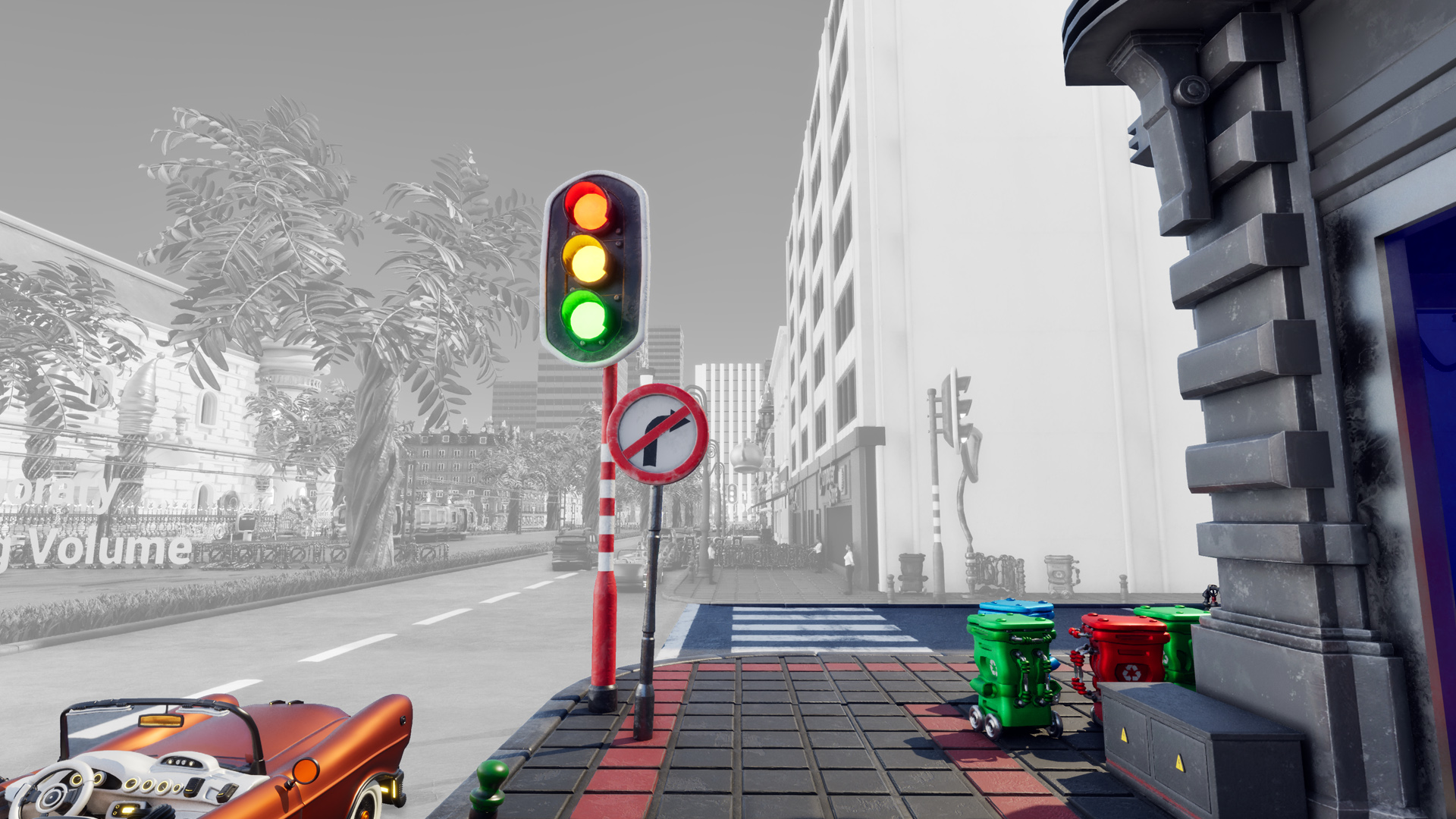
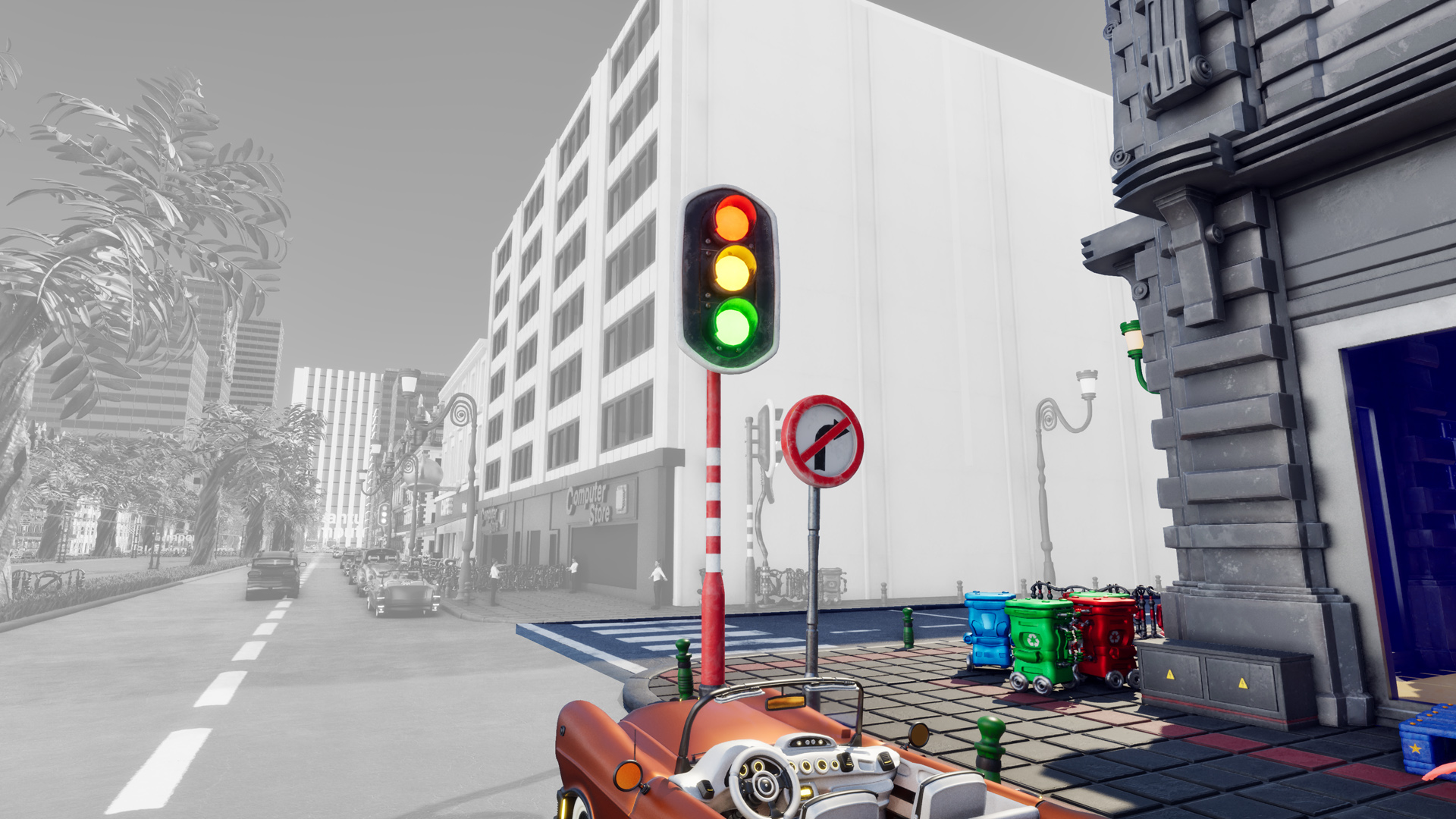
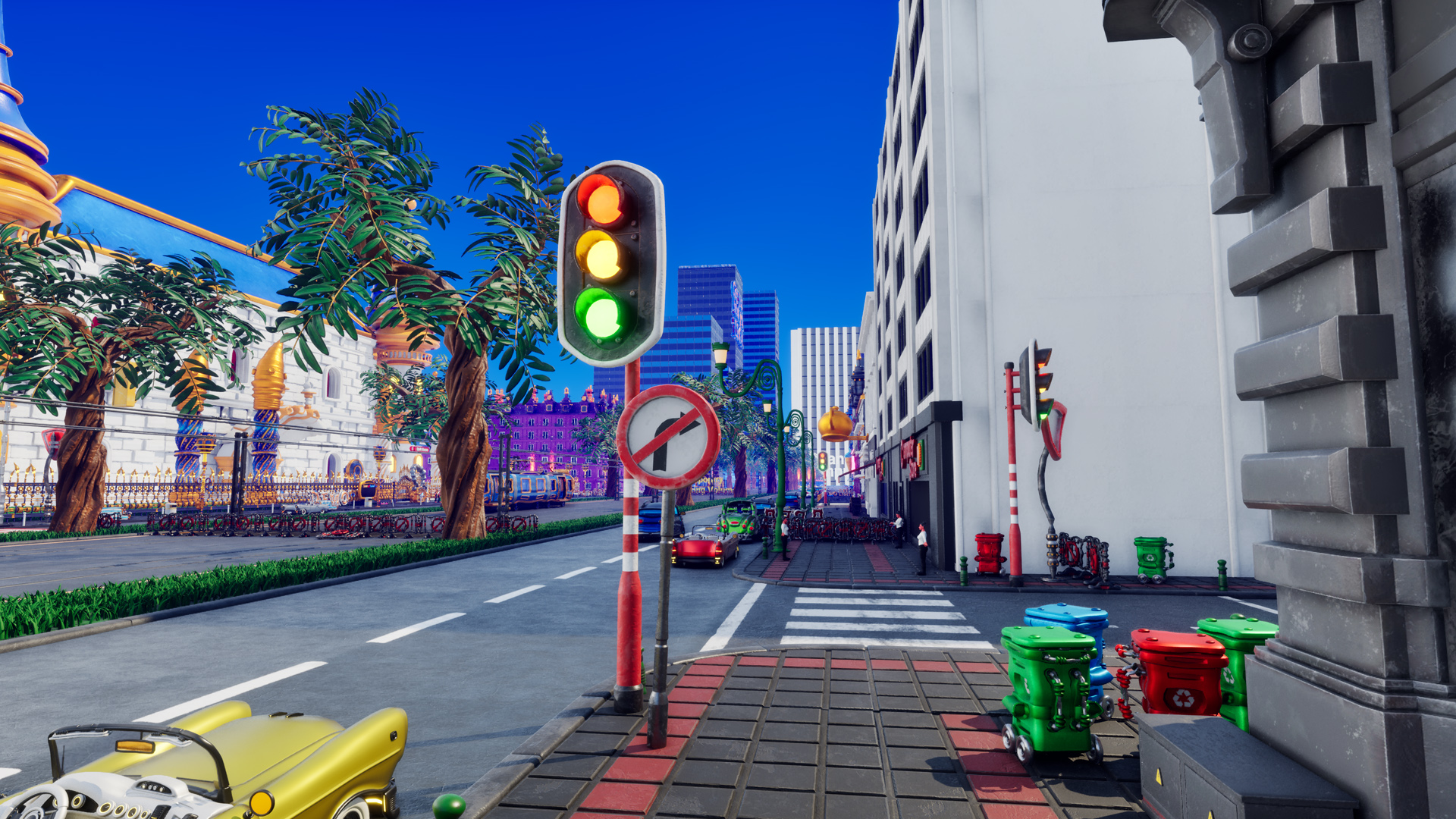
Traffic lights are interesting to create because they have a specific, or rather complex, set of lights ordered in a looped sequence.
For my game, I don’t particularly care about realistic driver behavior, especially since it takes place in a very goofy and crazy world 😂.
Thus, I deliberately want to avoid a realistic simulation because I just don’t find it interesting for my world. However, I still think it’s important to have believable, fully functional traffic lights, even if NPC drivers won’t care about it.
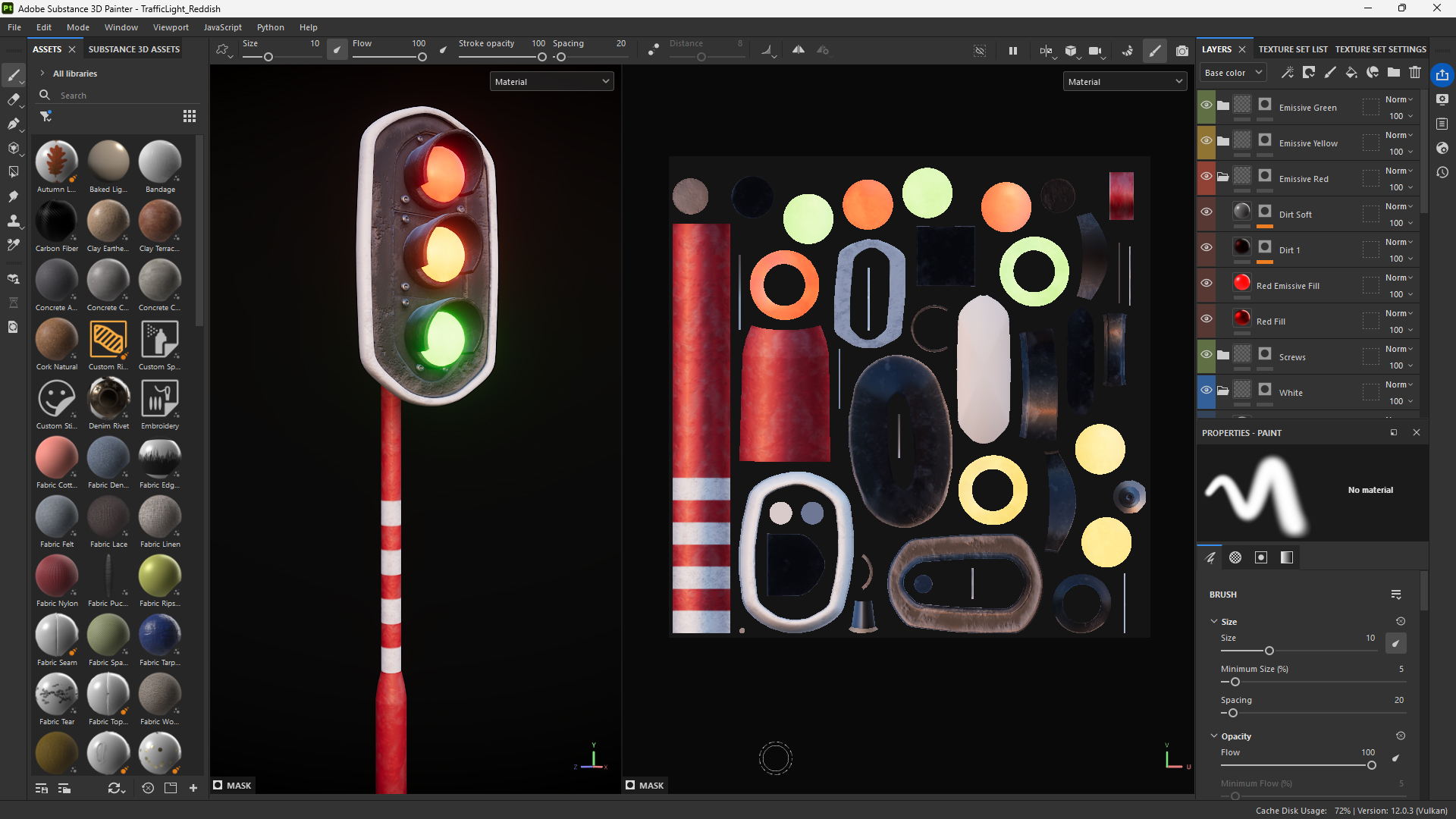
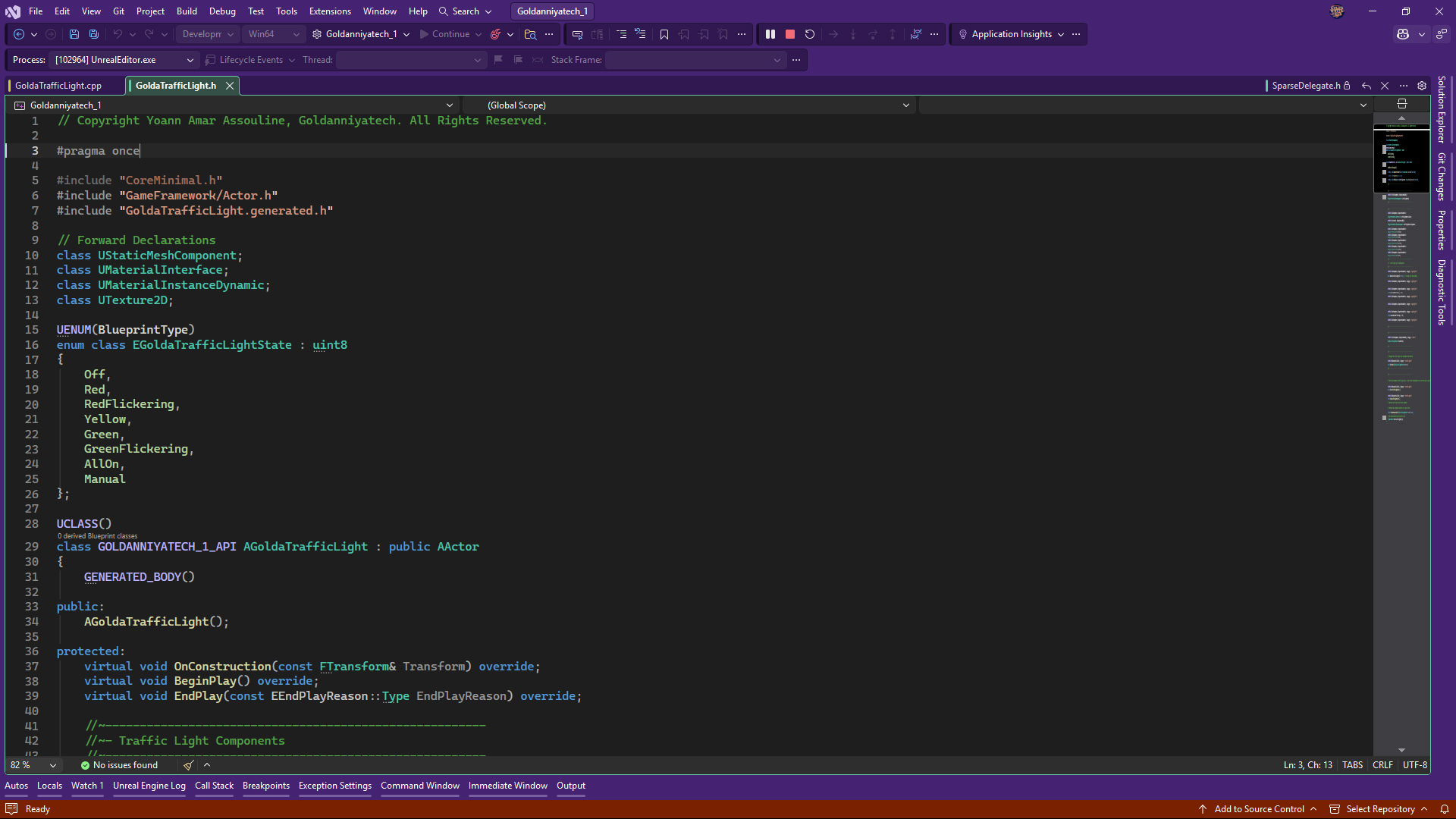
I’ve created the Reddish Traffic Light and, at the same time, refactored my Blueprints and moved to C++ for managing Traffic Lights.
I tried multiple optimizations in C++ based on how I will continue modeling and texturing traffic lights.