The Making of My Website
Introduction
Although my primary expertise is in 3D game development,
I firmly believe that many software development principles translate directly to web development,
especially when it comes to performance optimization and scalability.
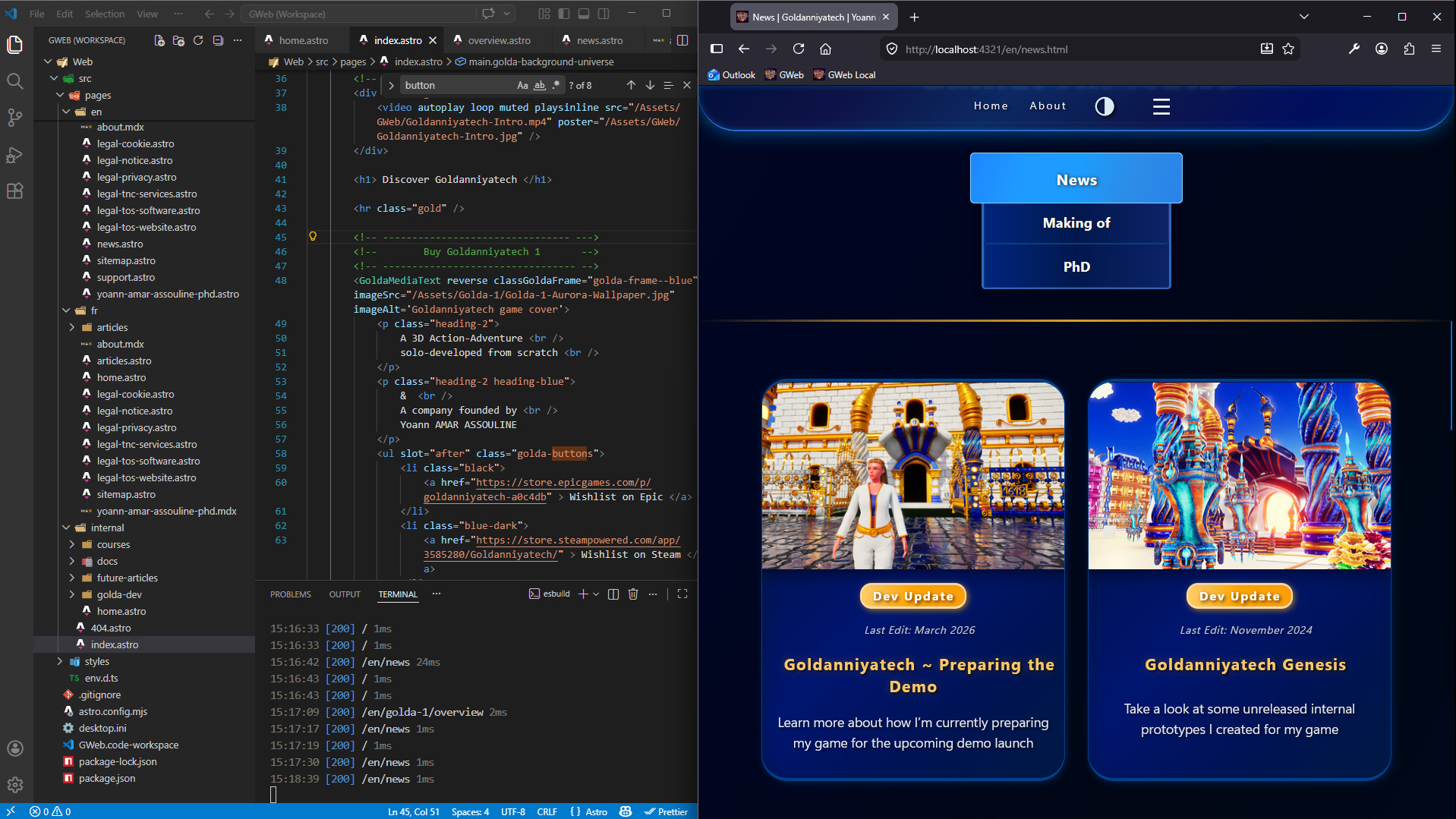
For building the Goldanniyatech Website (GWeb), my main objective is to create an exceptionally fast site focused on media-heavy content and long pages, so visitors can scroll quickly and access a large amount of information without having to navigate through countless separate pages.
To achieve this, I structure each page like a standalone landing page whenever it makes sense 😅.
From a design perspective, the goal is both to take inspiration from my game’s interface and to create an invisible interface,
so the focus remains entirely on the game itself, blog articles, and information about me.
My Current Tech Stack
Developing my website from scratch is very helpful to make sure it’s fully optimized and also specifically tailored to my needs and how I want to present my game or myself.
Despite the fact that I only need a static frontend website with minimal JavaScript for the Light/ Dark mode switch, using a Framework is mandatory for many reasons.
As of now, my technical stack is Jamstack-centered and consists of the following framework and languages:
- The Astro JavaScript Framework, a content-first, HTML-first framework, perfect for my content-heavy website.
- HTML and Markdown (MDX)
- Vanilla CSS to customize my UI as I see fit
- TypeScript, but very rarely as it’s mostly a static website with almost no interaction
Making the Right Choices
Making the right technical decisions when building a website isn’t about using the most advanced tools; It’s about choosing the tools that truly fit my needs. In fact, one of the core principles of software development is, I believe, keeping an open mind about technologies and the tools we choose.
Having deep expertise in C++ and being a software developer doesn’t mean I have to use the most complex tools available. Instead, I firmly believe that my role as an expert is to choose the most effective tool; the one that gives me what I need in the shortest time possible, without major compromises on quality or control.
3 Ways of making websites
I believe there are three distinct levels of complexity when building a website:
- Website Builders: No-code platforms such as Wix, SquareSpace or Shopify.
- Content Management Systems (CMS): including the most popular platform: WordPress.
- Frameworks: tools for having much control, like Astro or full-stack development such as Next.js.
I’ve already tried Wix for a couple of months, long before opening my company in November 2021, to write internal documentation for the first Train Prototype of my game.
Although it was a very pleasant experience and incredibly fast (that’s the point of no-code tools 😅), I still wanted to have more technical control over my website, even if it takes slightly more time than using a CMS or a no-code platform!
The Astro framework was actually released in June 2021,
but I didn’t hear about it until late 2023.
Website Stack Evolution
From WAMP to Jamstack
My initial goal was to avoid using a library or a framework for my website to keep it very simple, as it was overkill for less than ten pages!
First Version powered by PHP
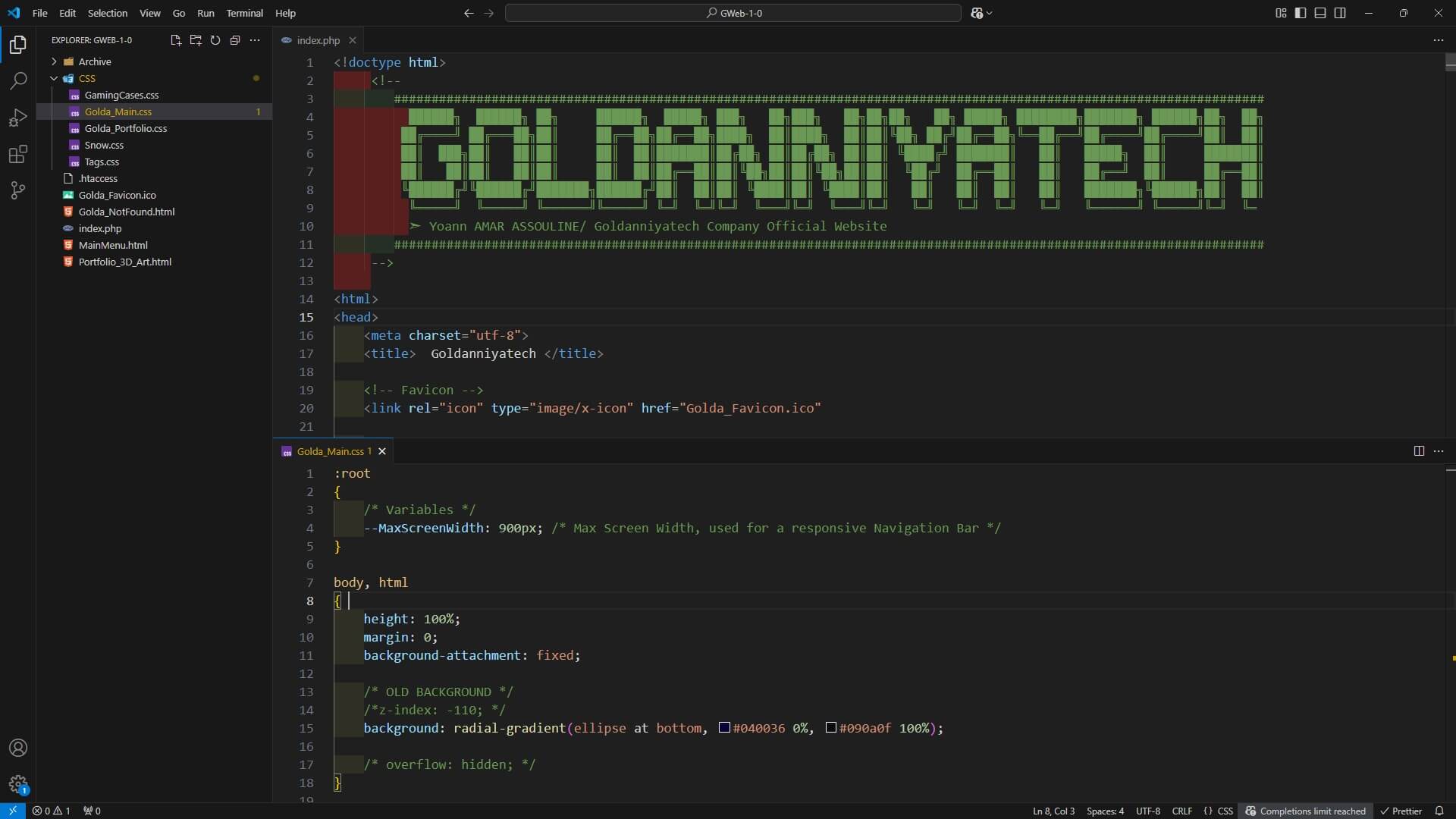
Thus, I decided to use PHP alongside HTML and vanilla CSS in late 2021, after some initial tests with HTML and CSS only.
Although PHP is a server-side programming language, I only used it to write some PHP templates (like the heavily simplified
Twig template engine) so I could make custom lightweight components instead of copying and pasting HTML across multiple pages.
Avoiding Frameworks for a While
Actually, I wanted to avoid using a framework like Symfony,
which is a massive overkill for a small amount of content.
It’s also primarily focused on back-end development, and uses the MVC architecture (Model-View-Controller), far too complex for a lightweight site.
I also experimented with NextJS,
mostly because I thought React was very interesting, but it turned out to be a bit heavy for my needs way back when.
Then, the Astro framework started to gain more popularity throughout 2023 and 2024, although I wasn’t interested at first.
At that time, using PHP, HTML, and CSS seemed a good idea, but I was never really happy to use a server-side language for an almost purely static website. I wanted to use something different, more scalable and more secure in the future.
Adopting the Astro Framework
In mid 2024, I decided to completely switch to the Astro framework, as it was much more convenient and scalable than working without framework, especially since my website was no longer just a landing page.
And with both my teaching experience as a web dev instructor and my work with GWeb, I now firmly believe that creating websites without frameworks is now absolutely pointless, even for beginners or hobbyists, unless the person has genuine difficulties using computers.
Working with the
Astro Framework
Writing Astro Documents
The primary purpose of Astro is to create a static website, and I’m only using it mostly for static content. However, Astro allows the integration of dynamic UI components on any page, referred to as islands in this Framework!
I don’t need this feature for now, but I firmly believe that scalability is extremely important in software development, i.e., the ability to add more complex features to your software or product. Thus, if I ever need to integrate dynamic UI components in the future, for whatever reason, I know I can still use Astro.
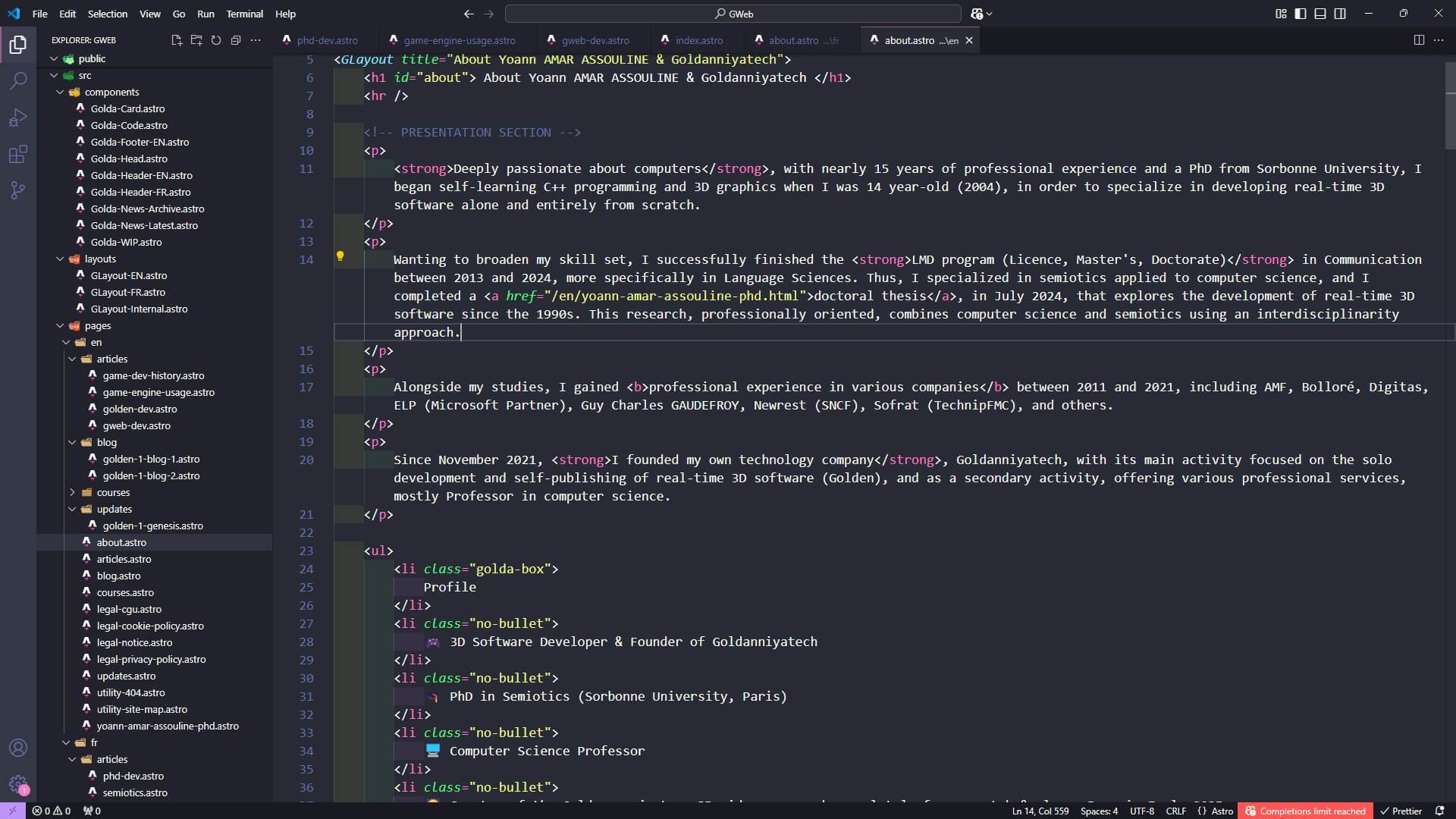
To write my content, I use HTML embedded inside Astro files, but I try to keep my HTML code as simple and maintainable as possible, and platform-agnostic. For this reason, I avoid some HTML tags, and try to present the content using standard HTML. It’s pretty quick for me to write HTML, especially with Emmet abbreviations in Visual Studio Code.
I also use Markdown (MD and MDX files) for text-heavy pages.
Website Design
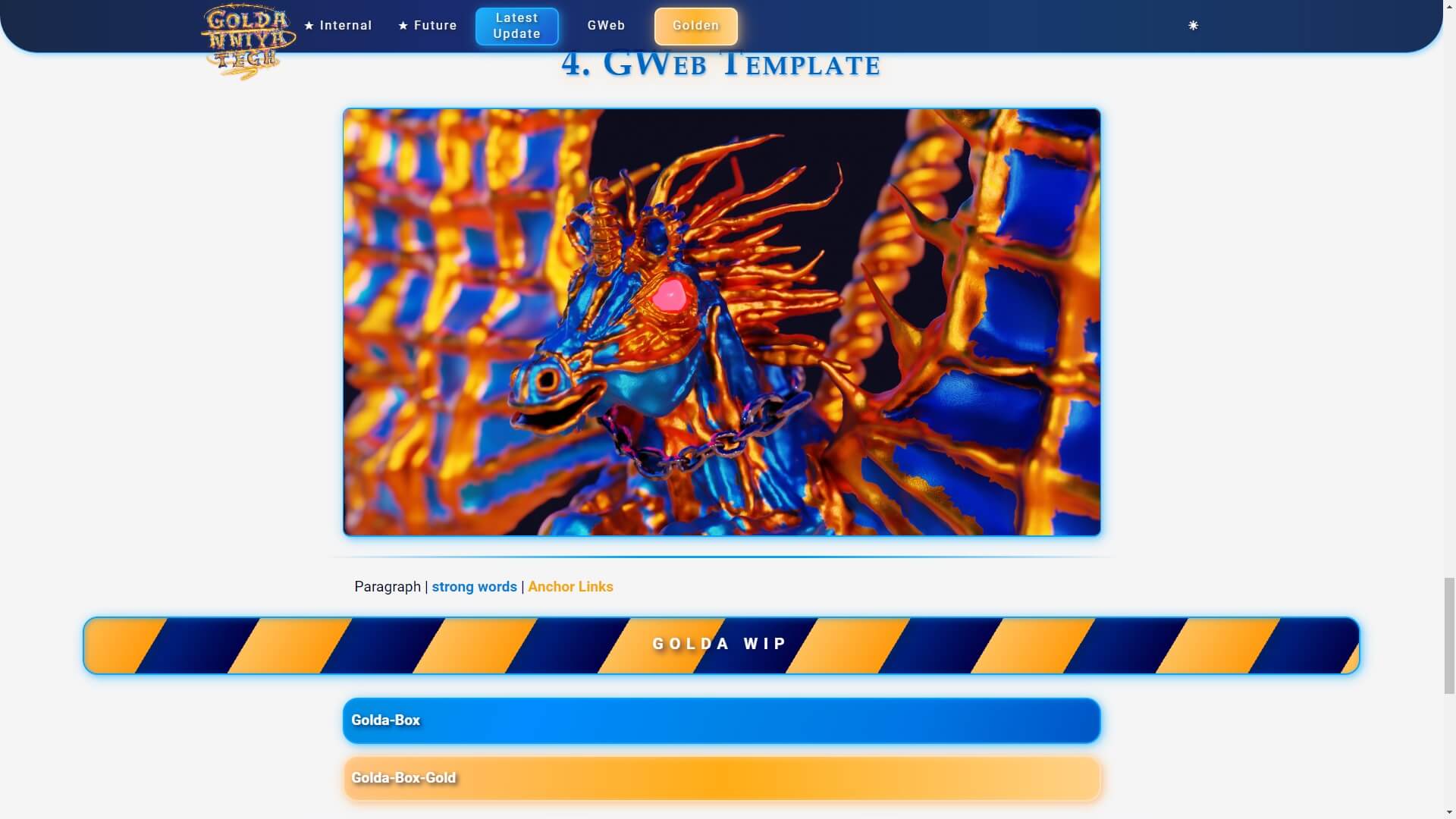
For my website design (technically its stylesheet), I decided to use SCSS instead of plain CSS, because it’s closer to a programming language (not a full-fledged one, though 😉)!
It has some pretty nice advantages over CSS, such as modules (having separated files) and mixins (reusing groups of properties like color or font-size). Nesting is also great, as it’s pre-compiled instead of being parsed by the web browser in the regular CSS!
Full Control over my design
Besides, I also decided to avoid any CSS library like Tailwind because I wanted full control over my website appearance, and I mostly take inspiration from technical documentations and Wikis like Fandom.
My ultimate goal is to create a minimalist design, so players will focus on my games more than the website’s appearance! 😅 The most important thing, though, is clearness and having a website incredibly quick! I want every future player (website user) to be able to click and access any information on this website in less than a second.
Stylesheet optimization
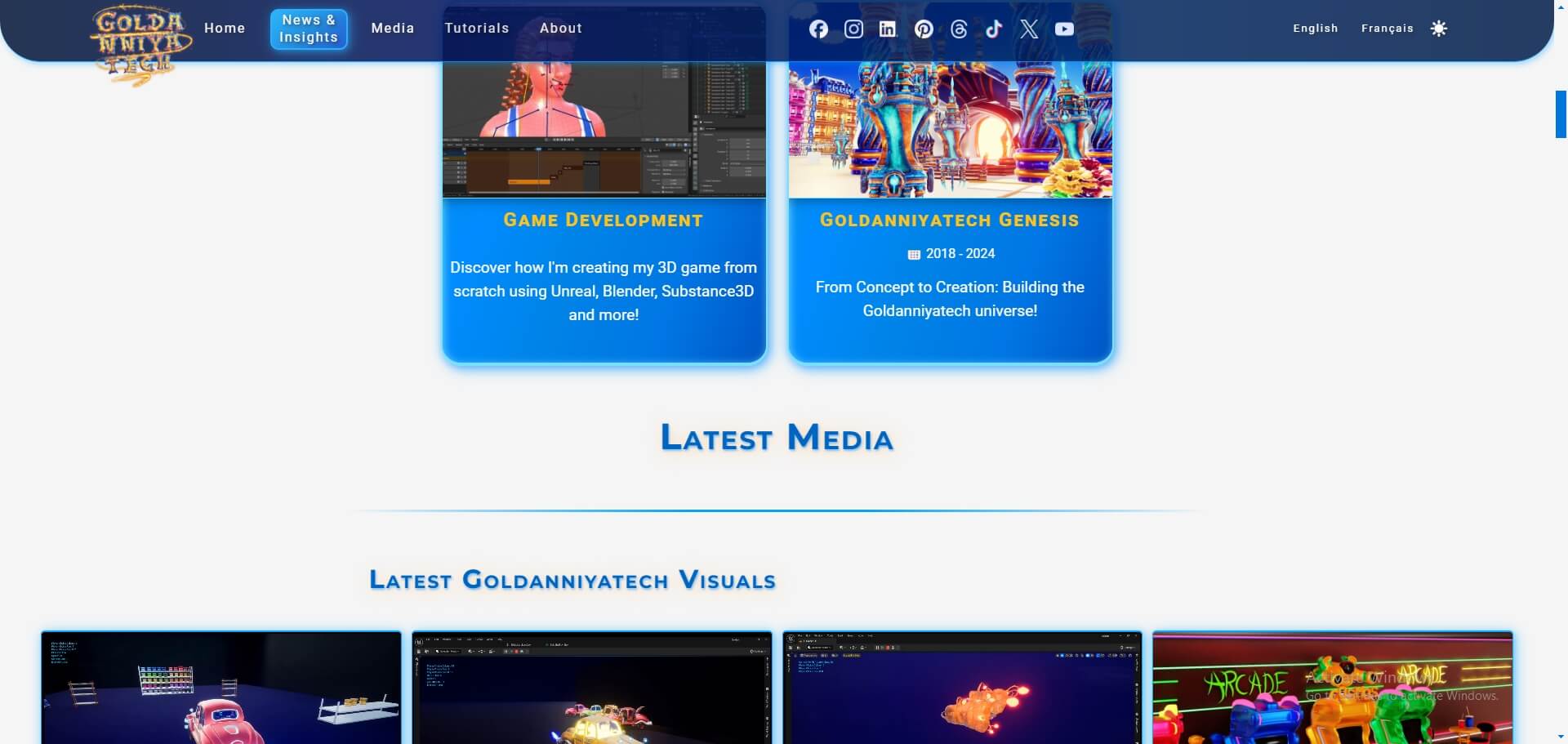
Also, I exclusively rely on system fonts, as I wanted to avoid using Google Fonts or any other font library. I think that system fonts are very good, and they are already installed on your computer, thus loaded instantly 😅!
Interactions
TypeScript is a particular case for my website! As much as I like to use programming languages (and the idea of writing JSX is brilliant in my opinion), I am still building a static website. Since my website doesn’t even require interactions, there is no need for front-end libraries like React.
Thus, my goal is to be as close as possible to a Zero JavaScript Website! For reference, the TypeScript language is transpiled into JavaScript, as web browsers can’t read TypeScript, which is why I say zero JavaScript 😉.
Optimizing my website
Google Lighthouse
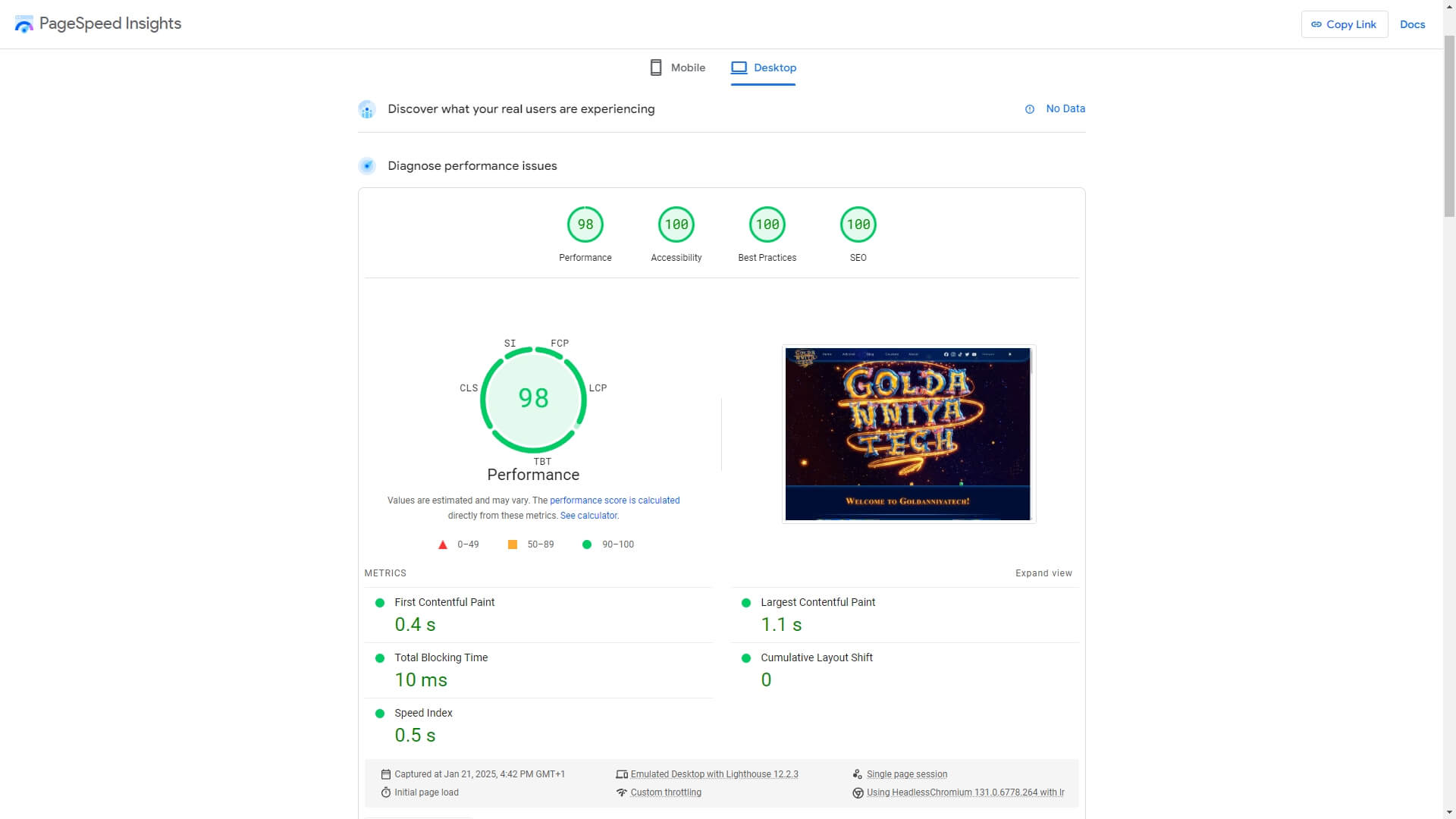
To test out my website performance, I rely on Google Lighthouse, a tool that will measure a website and indicate potential issues. I usually try to maintain my score above 90 or 95, if possible.
Obviously, Lighthouse score can provide valuable insights, but it should be considered as an indicator rather than an objective truth. I do not use other tools, such as GTmetrix, because my website is already very simple, so I avoid doing some in-depth analysis that will not be useful for me 😅.
Developer browsers
I also use Developer Web Browsers such as Google Chrome Dev or FireFox Dev. In other web browsers such as Microsoft Edge, dev tools are already integrated!
Mobile Version
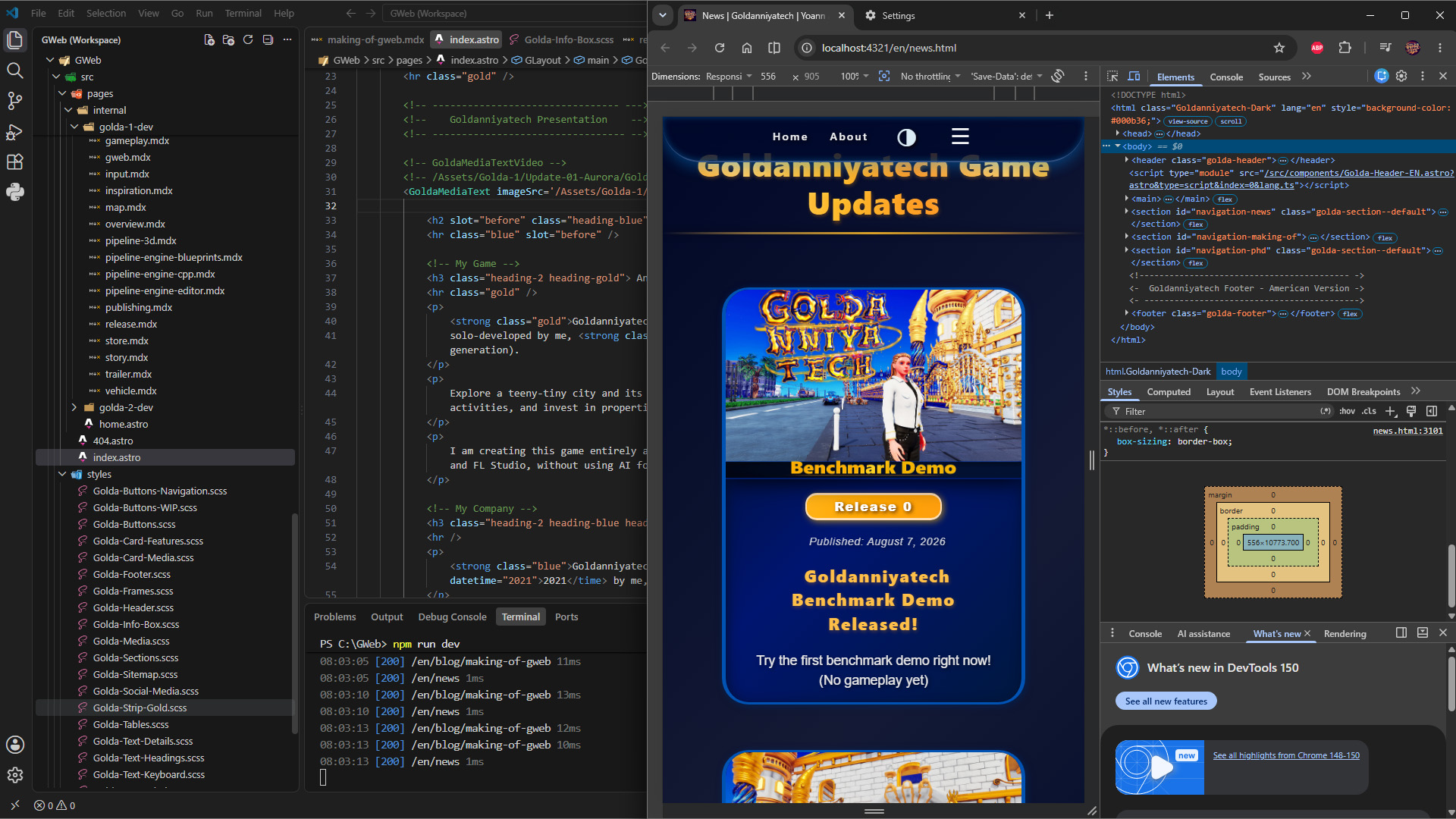
I always make sure that my website is 100% responsive and mobile-friendly. I believe that it’s extremely important because, as of December 2024, the global mobile market share exceeds 64%, according to StatCounter. Thus, to test the mobile version, I primarily rely on Google Chrome DevTools, though I occasionally check my website on my smartphone!
In order to know what resolution to use, I simply rely on the WCAG Reflow level, which is designed for accessibility. It explicitly suggests a minimum screen (what is called the viewport in web dev) height of 320px and width of 256px.
Besides, my stylesheet has two breakpoints, which are viewport sizes (width, in that case) where the layout changes, or “break”: 900px and 1200px. Those are based more on my content, rather than relying on any particular mobile device width.
Desktop-centric Experience
Another thing to point out is that I designed my website as a Desktop-first experience, and then I adapted it for mobile. I firmly disagree with the Mobile-first design philosophy, as it can be quite limiting and might make the Desktop experience less appealing, to say the least.
Besides, as a game developer, I also find the whole idea of a Mobile-first game development philosophy extremely hard to scale for Desktop games, so I guess I have the same vision for web dev 😅!
Protecting Privacy
Right off the bat, I wanted to make sure that my website is as privacy-friendly as possible! I personally don’t care at all about my info collected online, outside of my personal info of course, but I know some people do care. And, since I’m building the website from scratch, I have nearly full control over its design and functionality.
Therefore, my primary goal was to avoid using third-party tools to track users, such as Google Analytics. It’s cool to have some stats about visitors, but my goal with this website is to present myself, my company, and my games.
Zero Data Collection
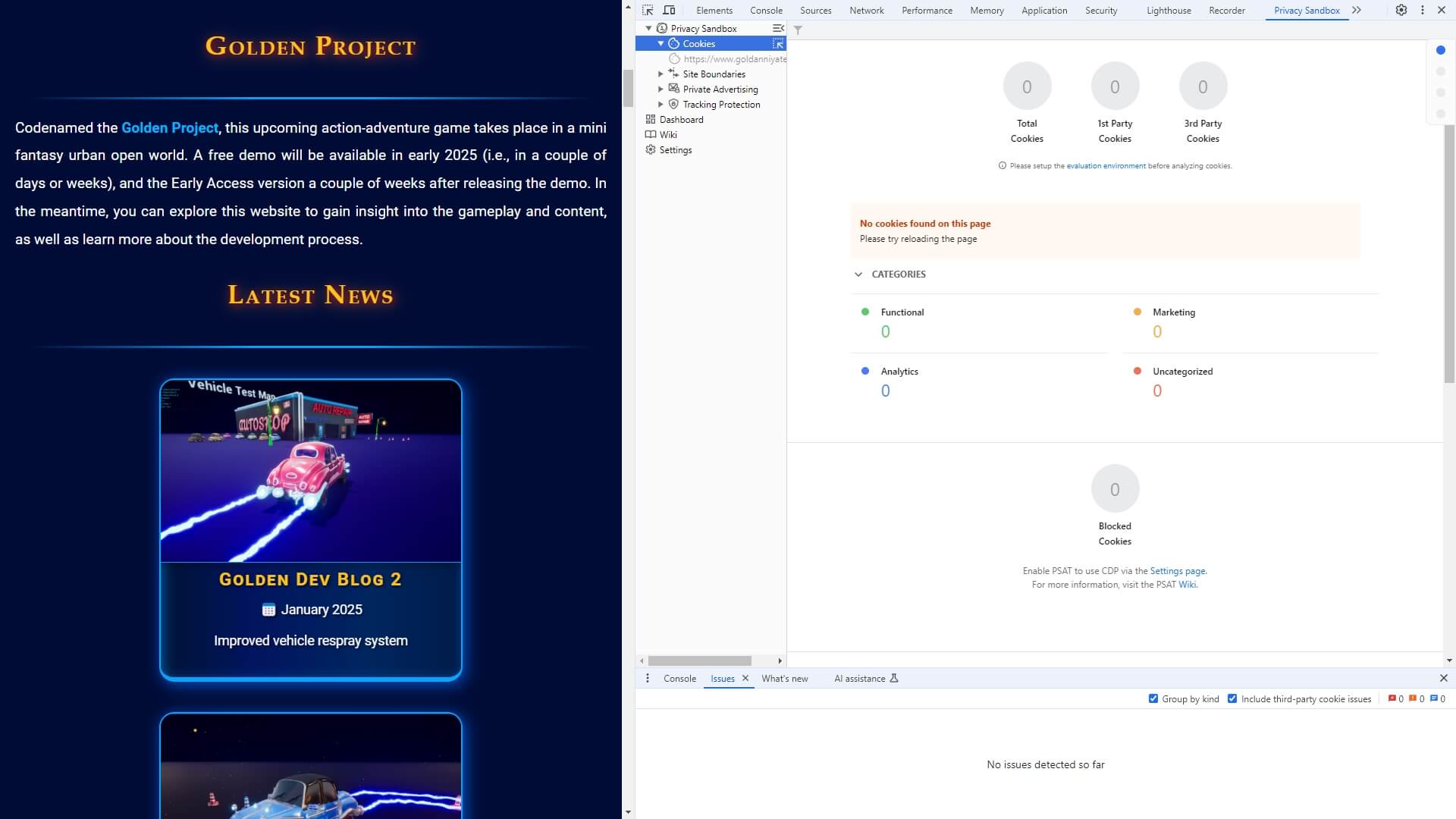
My principle of zero data collection and storage is very important. Therefore, I use the Privacy Sandbox Analysis Tool from Google to make sure that my website is privacy-friendly.